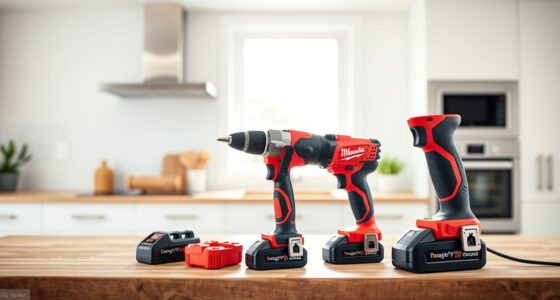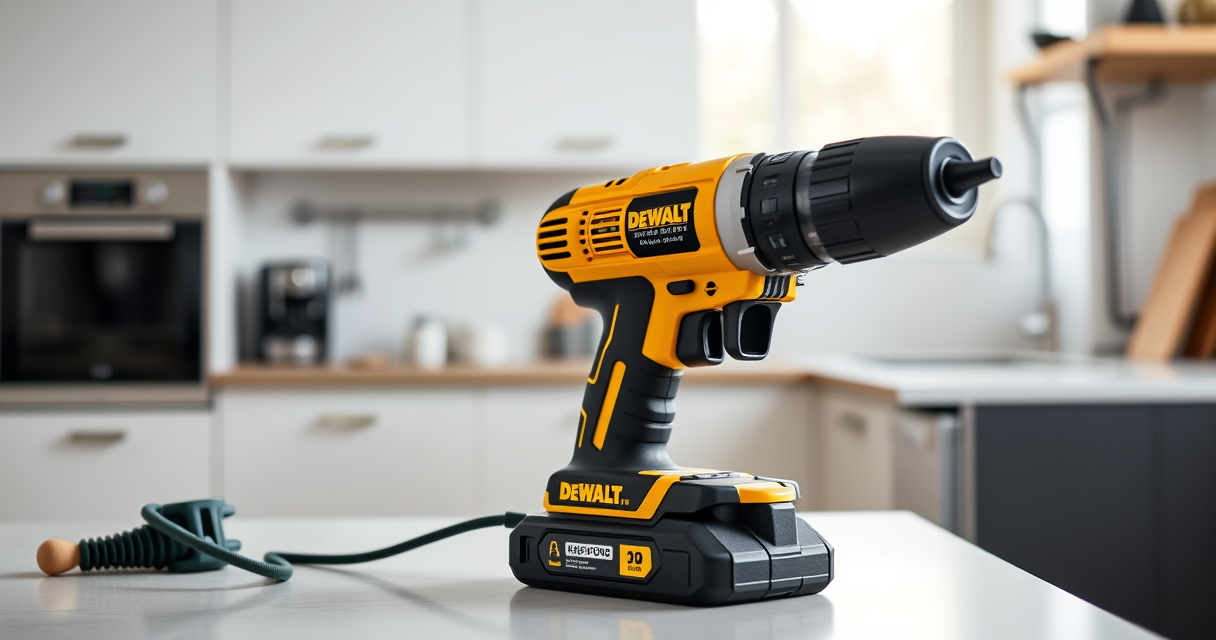

If your DeWALT battery isn’t charging, it can halt your work progress. Understanding common causes and solutions will help you get back to your projects quickly and safely. This guide walks you through practical troubleshooting steps for your DeWALT 20V MAX batteries and chargers.

Get business pricing on garage and car supplies
- Business-only prices and quantity discounts
- Tax-exempt purchasing
- Multiple users, one account, clear invoices
Remember to always prioritize safety when working with power tools and batteries. Carefully follow each step and consult the product manuals if needed.
Key Takeaways
| Battery age | Older batteries may lose capacity and refuse to charge. |
| Charger issues | Faulty or incompatible chargers can prevent charging. |
| Connection problems | Dirty or loose contacts hinder proper charging. |
| Battery overheating | Overheating triggers safety shutdowns, stopping charge. |
| Power source | Ensure the wall outlet or power strip supplies power. |
Check the Power Source
- Ensure the outlet is functioning by plugging in another device.
- Test the charger in a different outlet if available.
- Inspect the power cord for damage or frays.
Inspect and Clean the Charger & Battery Contacts
- Remove the battery from the charger.
- Use a dry cloth or a soft brush to clean the metal contacts on both the battery and charger.
- Check for corrosion, dirt, or debris, and remove any buildup carefully.
Test with a Known Good Charger and Battery
- Try charging your battery with a different compatible DEWALT charger.
- Similarly, test the charger with a different compatible battery.
- If the battery charges with another charger, the problem might be the original charger.
Check Battery Condition and Age
If your battery is over 3 years old or has been heavily used, it may no longer hold a charge. Consider replacing it with a new battery, such as the DEWALT 20V MAX 5 Ah Lithium Ion Battery 2-Pack.
Reset and Cool Down
- Some chargers have reset buttons; press and hold if available.
- Allow the battery and charger to cool down if overheated before attempting to charge again.
The Products in This Guide

DEWALT 20V MAX Cordless Drill Driver Set
- ✔ Weight: 3.8 lbs
- ✔ LED Light: Yes
- ✔ Speed Settings: 2-speed

DEWALT Drill Bit Set
- ✔ Tip Angle: 135°
- ✔ Bit Length: Various
- ✔ Shank Type: 3-flats
DEWALT 20V MAX Cordless Drill Driver Set
The DEWALT 20V MAX Cordless Drill Driver Set is a versatile and efficient tool, featuring a brushless motor and LED workspace light. However, like any battery-powered tool, it can encounter charging issues over time.
Pros:
- Brushless motor for longer run time
- Lightweight and ergonomic design
- Includes LED light for visibility
- 2.0 Ah battery for decent runtime
Cons:
- Battery aging can reduce charge capacity
- Requires compatible charger
- Potential for charging port dirt or corrosion
Best for: General-purpose drilling and fastening in tight spaces
Not ideal for: Heavy-duty industrial applications over long periods
Bottom line: A reliable, lightweight drill set suited for versatile tasks, but monitor battery health for consistent charging.
DEWALT Drill Bit Set
The DEWALT Drill Bit Set with 135-degree split point tips is perfect for drilling into plastic, wood, and metal. Its heavy-duty HSS construction and rust-resistant coating make it a durable choice.
Pros:
- High-speed steel for versatility
- Split point reduces walking
- Corrosion-resistant coating
- Identifiable size markings
Cons:
- Not suitable for heavy-duty industrial use
- Limited to specific bit sizes
- Requires proper storage
Best for: General-purpose drilling in various materials
Not ideal for: Heavy-duty, high-torque applications
Bottom line: A versatile drill bit set that offers durability and precision for a range of materials.
Frequently Asked Questions
Why won’t my DeWALT battery charge?
Common causes include dirty contacts, charger issues, battery age, or overheating. Follow the troubleshooting steps to identify the specific problem.
How can I tell if my battery is dead?
If the battery is several years old or consistently fails to hold a charge, it may need replacing. Testing with a known good charger can also help diagnose the issue.
Can I use a different charger with my DeWALT battery?
Yes, but ensure the charger is compatible with your battery model to prevent damage. Using the original or certified chargers is recommended.
What should I do if my charger is blinking or not working?
Check the power source, clean the contacts, and let the charger cool down if overheated. If problems persist, consider replacing the charger.
Getting Your Power Tools Back in Action
DeWALT power tools are reliable but can face charging issues over time. Regular maintenance, proper storage, and using compatible chargers help ensure optimal performance. If troubleshooting doesn’t resolve the problem, replacing the battery or charger may be necessary to restore full functionality.
Affiliate disclosure: As an Amazon Associate we earn from qualifying purchases. Prices and availability are accurate as of the time of publishing.
Columbus Day / Indigenous Peoples' Day Picks
long weekend sales
As an affiliate, we earn on qualifying purchases.