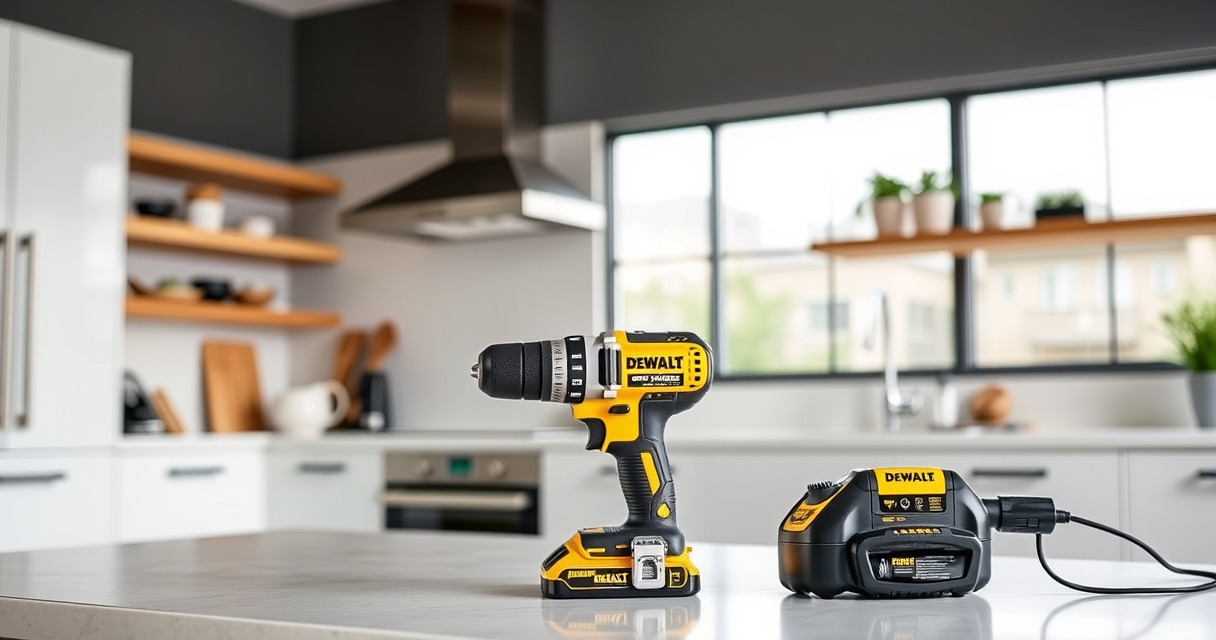
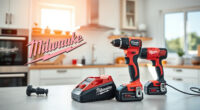
Regular cleaning of your DEWALT brushless drill is essential for optimal performance and safety. Dust, debris, and grease can accumulate over time, affecting the tool’s functionality and longevity. This guide provides clear, step-by-step instructions to help you clean your drill thoroughly and safely.

Get business pricing on garage and car supplies
- Business-only prices and quantity discounts
- Tax-exempt purchasing
- Multiple users, one account, clear invoices
Before starting, gather the necessary tools and ensure the drill is powered off and disconnected from any batteries to prevent accidents.
Key Takeaways
| Safety First | Always disconnect the battery before cleaning. |
| Use Proper Tools | Soft brushes and compressed air are ideal for cleaning. |
| Avoid Water Damage | Keep electronic parts dry and avoid submerging the drill. |
| Regular Maintenance | Clean your drill periodically to prevent buildup. |
| Check for Damage | Inspect for wear or damage during cleaning. |
Gather Your Cleaning Supplies
- Soft-bristled brush
- Compressed air canister
- Microfiber cloth
- Isopropyl alcohol (optional for stubborn grime)
- Screwdriver (if disassembly is needed)
Prepare the Drill for Cleaning
Ensure the drill is powered off and the battery is removed. Place the drill on a clean, stable surface. If your drill has removable parts, such as the chuck or vents, consider disassembling them following the manufacturer’s instructions.
Clean External Surfaces and Vents
- Use the microfiber cloth to wipe down the exterior, removing dust and grease.
- Hold the drill upside down and use compressed air to blow out dust from vents and crevices, keeping the can upright to avoid propellant discharge.
- For stubborn grime, dampen the cloth with isopropyl alcohol and wipe gently.
Clean the Chuck and Internal Parts
If disassembled, clean the chuck with a brush and, if necessary, apply a small amount of alcohol to remove grease. Use compressed air to clear dust from internal components if accessible, but avoid disassembling the motor or electronics unless experienced.
Reassemble and Test
Reattach any disassembled parts, ensuring everything is secure. Insert the battery, and turn on the drill briefly to verify it operates smoothly. Check that vents are clear and the exterior is free of debris.
The Products in This Guide

DEWALT 20V MAX Cordless Drill Driver Set
- ✔ Weight: 3.4 lbs
- ✔ Chuck Size: 1/2 inch
- ✔ Speed: 2 speeds

DEWALT Drill Bit Set
- ✔ Size Range: 3/16 inch and up
- ✔ Shank Type: 3-flats
- ✔ Durability: Extreme resistance to breakage
DEWALT 20V MAX Cordless Drill Driver Set
The DEWALT 20V MAX Cordless Drill Driver Set is a versatile, lightweight tool with a brushless motor that delivers impressive runtime. Proper cleaning ensures it remains in peak condition for all your projects.
Pros:
- Long-lasting brushless motor
- Lightweight and ergonomic design
- LED light for dim areas
- 2-speed transmission
Cons:
- Requires careful cleaning of vents
- Disassembly may be needed for deep cleaning
Best for: General-purpose drilling and fastening in tight spaces
Not ideal for: Heavy-duty industrial use or water immersion
Bottom line: Regular cleaning keeps your DEWALT drill performing reliably for years.
DEWALT Drill Bit Set
Pair your cleaned DEWALT drill with this durable 14-piece drill bit set. Designed for plastic, wood, and metal, these bits complement your drill’s performance perfectly.
Pros:
- High Speed Steel construction
- Split point tip reduces walking
- Corrosion-resistant coating
- Easy size identification
Cons:
- Requires careful handling to avoid breakage
- Not suitable for heavy-duty industrial use
Best for: Home repairs, woodworking, light metalwork
Not ideal for: Heavy-duty industrial drilling
Bottom line: A reliable drill bit set that enhances your drill’s versatility.
Frequently Asked Questions
Can I use water to clean my DEWALT drill?
No, water can damage the electronic components. Use dry methods like compressed air and a damp cloth with isopropyl alcohol for external cleaning.
How often should I clean my drill?
It’s best to clean your drill after every few uses or when you notice dust buildup that could affect performance.
Is it safe to disassemble my DEWALT drill for cleaning?
Only disassemble if you are experienced and follow the manufacturer’s instructions. Avoid opening the motor or electronic parts to prevent damage.
What should I do if my drill’s vents are blocked?
Use compressed air to blow out dust from the vents carefully, ensuring no debris remains that could cause overheating.
Keep Your DEWALT Drill in Top Shape
Regular cleaning and maintenance extend the life of your DEWALT brushless drill, ensuring it continues to deliver reliable performance. Follow these simple steps to keep your tool free of debris and operating smoothly, making your projects safer and more efficient.
Affiliate disclosure: As an Amazon Associate we earn from qualifying purchases. Prices and availability are accurate as of the time of publishing.
Fall Picks
fall essentials
As an affiliate, we earn on qualifying purchases.