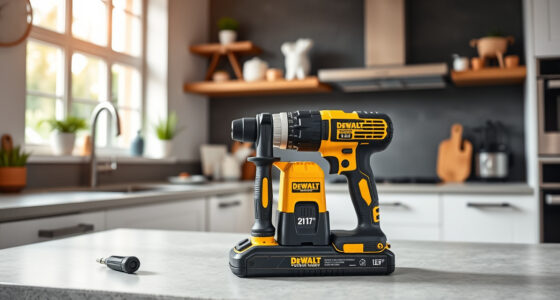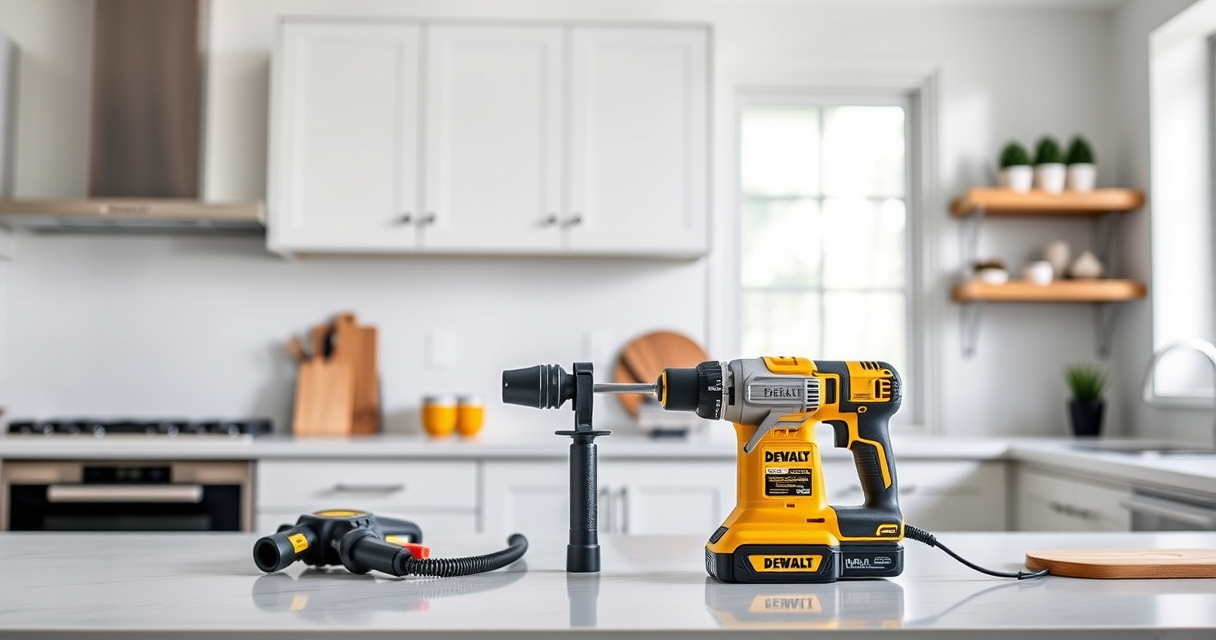
Maintaining your DEWALT power tools is crucial to ensure they operate efficiently, last longer, and deliver reliable performance on every job. Proper upkeep not only prevents unexpected breakdowns but also extends the lifespan of your investment. Whether you’re a DIY enthusiast or a professional contractor, understanding the basics of care and troubleshooting can save you time and money.

Get business pricing on garage and car supplies
- Business-only prices and quantity discounts
- Tax-exempt purchasing
- Multiple users, one account, clear invoices
This guide provides practical, step-by-step instructions on how to maintain your DEWALT tools, with specific focus on the popular 20V MAX Cordless Drill and Impact Driver set. We’ll cover cleaning, battery care, bit changes, and common issues, along with safety tips to keep you protected during maintenance tasks.
Key Takeaways
| Battery Care | Proper charging and storage extend battery life and ensure consistent power. |
| Cleaning Routine | Regular cleaning prevents dust and debris from affecting performance. |
| Bit & Chuck Maintenance | Inspect and clean bits and chucks for smooth operation and quick bit changes. |
| Troubleshooting Common Issues | Identify and resolve power, overheating, or bit slipping problems promptly. |
| Safety First | Always disconnect power sources before maintenance to avoid accidents. |
Battery Maintenance and Care
- Charge Batteries Properly: Use the original DEWALT charger and avoid letting batteries completely discharge. Keep batteries in a cool, dry place when not in use.
- Check Battery Indicators: Regularly monitor the LED fuel gauges on your 20V MAX batteries to avoid over-discharge and ensure readiness for use.
- Store Correctly: Store batteries at approximately 50% charge in a climate-controlled environment, avoiding extreme heat or cold.
- Clean Contacts: Wipe the metal contacts of the batteries and tool with a dry cloth to maintain good electrical connection.
Proper battery maintenance ensures consistent runtime and prolongs overall battery lifespan, saving you money on replacements.
Cleaning and Lubrication
- Power Off and Disconnect: Always turn off the tool and remove the battery before cleaning.
- Remove Dust and Debris: Use compressed air or a soft brush to clear dust from vents, motor housing, and around the chuck.
- Clean the Chuck: Periodically remove and clean the chuck to prevent accumulation of debris that hampers bit changes. Use a dry cloth or a brush.
- Lubricate Moving Parts: Lightly oil the chuck’s moving parts if recommended by DEWALT, ensuring smooth operation.
Keeping your power tool clean prevents overheating, maintains functionality, and extends its working life.
Bit and Chuck Maintenance
- Inspect Bits Regularly: Check for signs of wear, dullness, or damage. Replace dull bits for cleaner cuts and safer operation.
- Clean the Chuck: Use a brush or compressed air to remove debris that can cause slipping or misalignment.
- Proper Bit Storage: Keep bits organized in a case or container to prevent damage and make quick replacements.
- Ensure Proper Fit: Always use bits that match the chuck size and are compatible with your DEWALT drill.
Maintaining a clean and properly functioning chuck ensures precise work and reduces the risk of bits slipping during operation.
Troubleshooting Common Problems
- Tool Won’t Turn On: Check the battery charge level. If fully charged, inspect the trigger switch and wiring for damage.
- Overheating During Use: Allow the tool to cool down, clean vents, and avoid continuous heavy-duty work without breaks.
- Reduced Power or Speed: Clean or replace the battery, check for jammed bits, or inspect brushes if applicable.
- Bits Slip or Don’t Hold: Replace worn bits, clean the chuck, or tighten it securely.
Addressing these issues promptly can restore your tool’s performance and prevent further damage.
Safety Tips for Maintenance
- Always unplug or remove the battery before cleaning or repairing.
- Wear safety glasses and gloves to protect against dust and sharp components.
- Work in a well-ventilated area to avoid inhaling dust or fumes.
- Ensure the tool is completely powered off and disconnected from power sources before starting maintenance.
- Follow manufacturer instructions and avoid using improper tools or lubricants.
Prioritizing safety during maintenance will protect you from injuries and ensure proper care of your power tools.
The Products in This Guide

DEWALT 20V MAX Cordless Drill and Impact Driver
- ✔ Color: Yellow and black
- ✔ Includes: 2 batteries, charger, bag
- ✔ Trigger Type: Variable speed

DEWALT Drill Bit Set
- ✔ Compatibility: Standard 3-flats shank
- ✔ Tip Design: Split point
- ✔ Application: General drilling
DEWALT 20V MAX Cordless Drill and Impact Driver
The DEWALT 20V MAX Cordless Drill and Impact Driver is a versatile, lightweight combo kit perfect for a variety of projects. With its brushless motor, ergonomic design, and bright LED, it offers excellent control and visibility, making maintenance and daily use more manageable.
Pros:
- Compact and lightweight design
- Brushless motor for extended runtime
- Includes 2 batteries and charger
- Ergonomic comfort grip
- Quick bit changes with hex chuck
Cons:
- Battery life may vary with heavy use
- Charging time can be lengthy if batteries are depleted
- Limited to 20V MAX system accessories
Best for: DIY homeowners and professionals needing reliable, versatile power tools.
Not ideal for: Heavy-duty industrial applications or users requiring larger, corded tools.
Bottom line: A durable, versatile cordless drill and impact driver combo ideal for both home and professional use.
DEWALT Drill Bit Set
The DEWALT Drill Bit Set offers 14 high-speed steel bits with a 135-degree split point for reduced walking and precise drilling into plastic, wood, and metal. Its durable coating and tapered web design ensure long-lasting performance and resistance to breakage.
Pros:
- High-quality HSS material
- Includes 14 versatile bits
- Split point reduces walking
- Durable black and gold coating
Cons:
- Limited to specific bit sizes
- Not suitable for heavy industrial use
- Requires proper storage to prevent loss
Best for: Home DIY projects and light professional work requiring reliable bits.
Not ideal for: Heavy-duty industrial drilling or large-scale construction.
Bottom line: A reliable, versatile drill bit set that enhances precision and durability.
Frequently Asked Questions
How often should I clean my DEWALT power tools?
It’s recommended to clean your tools after each use, especially in dusty environments. Regular cleaning prevents dust buildup and overheating.
Can I use any batteries with my DEWALT drill?
Only batteries designed for the 20V MAX system are compatible. Using incompatible batteries can damage the tool or void the warranty.
What should I do if my drill is overheating?
Allow the tool to cool down, clean vents, and avoid continuous operation under heavy load. Check for debris or dust blocking airflow.
How do I replace the chuck on my DEWALT drill?
Most chucks are removable with a chuck key or by twisting off if it’s a keyless model. Follow the manufacturer’s instructions for your specific model.
What’s the best way to store batteries?
Store batteries in a cool, dry place at about 50% charge. Avoid extreme temperatures and direct sunlight to maximize lifespan.
Keep Your DEWALT Power Tools in Peak Condition
Regular maintenance of your DEWALT tools ensures they remain reliable, safe, and efficient for all your projects. By following these simple steps—proper cleaning, battery care, and troubleshooting—you can extend the life of your tools and avoid costly repairs. Remember, safety is paramount: always disconnect power sources before performing maintenance tasks to prevent accidents. With proper care, your DEWALT power tools will serve you well for years to come, providing consistent performance whenever you need it.
Affiliate disclosure: As an Amazon Associate we earn from qualifying purchases. Prices and availability are accurate as of the time of publishing.
Halloween Picks
halloween
As an affiliate, we earn on qualifying purchases.