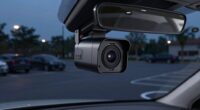
To achieve a clean dash cam installation that won’t drain your vehicle’s battery, focus on choosing the right power source, like accessory or switched fuse power, and use proper wiring techniques to hide cables behind panels or through door sills. Secure wires neatly with clips and protect them from damage. Ensuring the right fuse protection and avoiding constant power overuse can keep your dash cam running reliably without risking battery drain. For more tips, keep exploring how to perfect your setup.
Key Takeaways
- Use a proper fuse tap or adapter to connect the dash cam to switched or constant power sources safely.
- Conceal wires behind panels or under carpets for a neat, professional-looking installation.
- Choose the correct power source (accessory or constant) based on your dash cam’s parking mode needs.
- Secure and route wires with clips and loom to prevent sagging, damage, or interference with vehicle operations.
- Regularly inspect connections, fuse integrity, and update firmware to ensure safety and reliable performance.

REDTIGER F7N Dash Cam Hardwire Kit USB C Port, Dashboard Camera Car Charger Cable Kit 12V- 24V to 5V w/Fuse Kit, Low Voltage Protection for Dash Cam Double-4 Fuses
- Wide Compatibility: 12V-24V input, 5V/2A output with Type-C
- Easy Installation: Includes installation tool for hidden wiring
- 24-Hour Monitoring: Provides continuous power even when vehicle is off
As an affiliate, we earn on qualifying purchases.
As an affiliate, we earn on qualifying purchases.
Why Proper Dash Cam Wiring Is Critical for Your Vehicle’s Safety and Battery
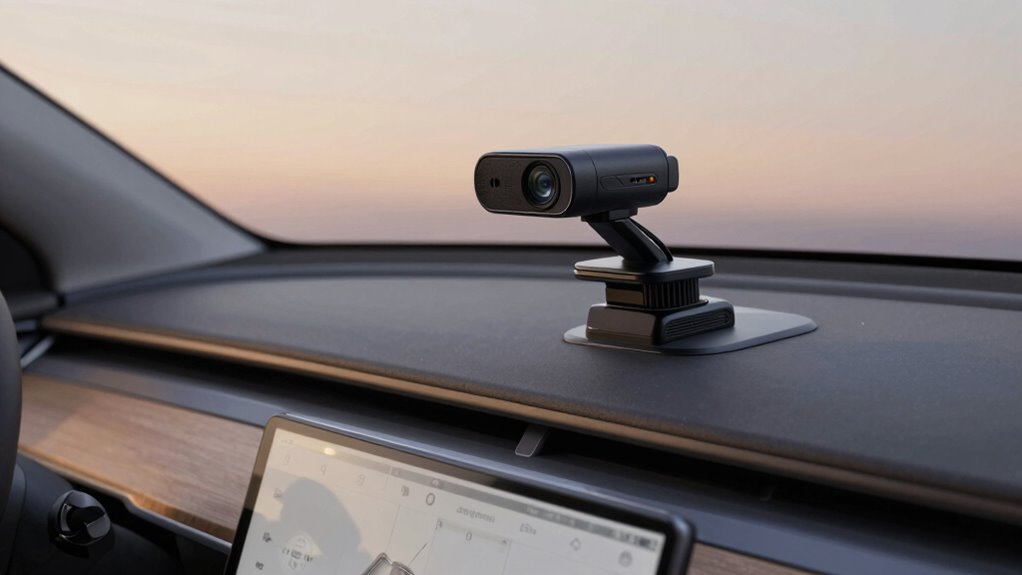
Proper wiring is essential for guaranteeing your dash cam functions reliably without risking your vehicle’s safety or battery life. If you opt for wireless alternatives, you might avoid some wiring hassles, but they often come with limitations like shorter battery life or weaker signals. For those comfortable with DIY installation, correctly wiring your dash cam ensures it stays powered without draining your car’s battery. Proper wiring prevents power surges, short circuits, and accidental disconnections that could compromise recording or damage your vehicle’s electrical system. Investing time in a clean, professional-looking install also minimizes clutter and reduces the risk of wires interfering with driving. Additionally, understanding electrical safety best practices helps prevent potential hazards during installation. Proper wiring also involves choosing the right gauge wire and connectors to match your vehicle’s electrical system, which is crucial for vehicle safety and optimal performance. Using high-quality components and following manufacturer guidelines can further enhance installation success and longevity. Ensuring your wiring setup adheres to household safety guidelines can also prevent hazards and ensure a secure installation. To further protect your vehicle’s electrical system, employing proper fusing techniques is highly recommended. In the end, proper wiring safeguards your investment and guarantees your dash cam operates seamlessly when you need it most.
How to Choose the Best Power Source for Your Dash Cam Wiring
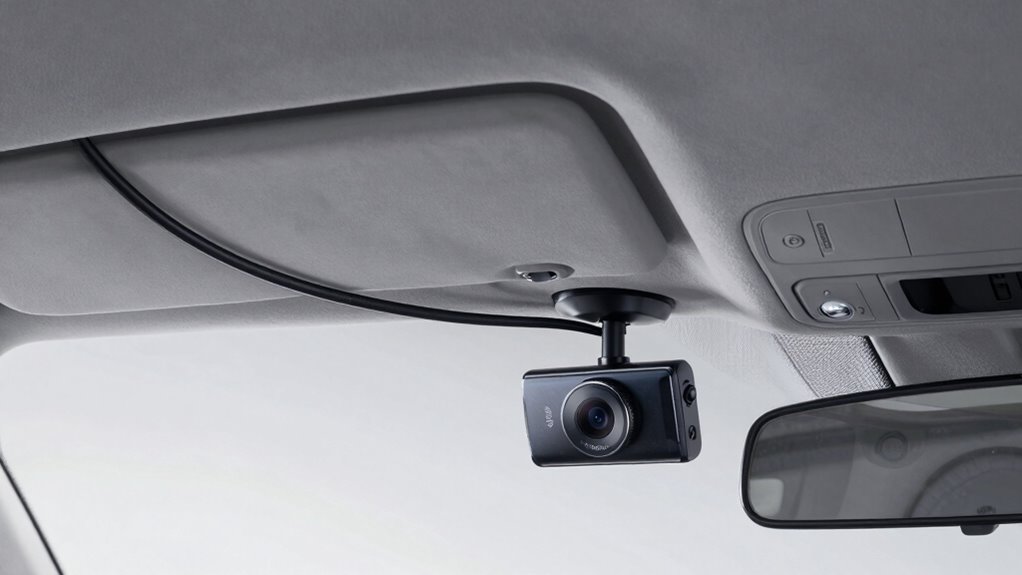
Choosing the right power source guarantees your dash cam operates reliably without draining your battery. You need to take into account compatibility with your vehicle’s electrical system and whether to use constant or accessory power. Making the right choice helps your dash cam stay powered properly and avoid unnecessary issues. Proper wiring and adherence to solar system safety guidelines can also prevent electrical problems and ensure a clean installation. Additionally, understanding essential safety tips for portable oil radiators can help prevent electrical hazards in your vehicle setup. When selecting a power source, consider battery inverter generators to ensure your dash cam has a stable and efficient energy supply. Developing a solid understanding of breaking into voice over jobs can also assist in troubleshooting power issues and ensuring consistent operation. Incorporating herbal wellness practices like using safe, compatible power supplies can promote a more reliable and safe dash cam setup.
Power Source Compatibility
Selecting the right power source is crucial to guarantee your dash cam operates reliably without draining your vehicle’s battery or causing electrical issues. You should consider compatibility with your vehicle’s electrical system and the dash cam’s power requirements. Solar power options can be a clean, eco-friendly choice, especially if you park often outdoors, but ensure your system includes a reliable battery backup. Wireless charging may be convenient for some models, but verify it’s compatible with your dash cam’s specifications. Avoid using high-current sources that could overload your vehicle’s circuitry. Ultimately, choosing a power source that matches your dash cam’s needs and your vehicle’s electrical capacity ensures a safe, efficient, and hassle-free installation. Additionally, understanding your vehicle’s electrical system can help prevent electrical issues, and a good grasp of vehicle electrical capacity can aid in selecting the most suitable power source for your setup. Being aware of electrical capacity is essential to prevent overloading and ensure your dash cam functions optimally. Incorporating a power management system can further optimize energy use and protect your vehicle’s electrical components. Proper installation of power distribution components ensures a balanced and safe electrical connection, preventing potential damage.
Constant vs. Accessory Power
Understanding the difference between constant and accessory power sources helps guarantee your dash cam functions reliably without draining your vehicle’s battery or causing electrical issues. Constant power, usually connected to the fuse box, provides power even when the engine is off, making it ideal for parking mode. However, it risks draining the battery if left on too long. Accessory power, often sourced from the cigarette lighter or a switched fuse, supplies power only when the ignition is on, preventing battery drain. Choose constant power if you want continuous recording, especially during parking. For regular driving, accessory power suffices. Be sure to use an appropriate fuse tap or adapter to connect your dash cam securely to either power source, ensuring a clean, safe installation. Proper wiring techniques help prevent electrical problems and prolong your vehicle’s battery life. Additionally, considering power management options can help protect your vehicle’s electrical system during extended use, especially when utilizing constant power sources that can drain the battery over time. Incorporating battery protection features can further safeguard your vehicle’s electrical system from potential issues caused by prolonged power draw.
Best Wiring Methods for a Hidden and Clean Installation
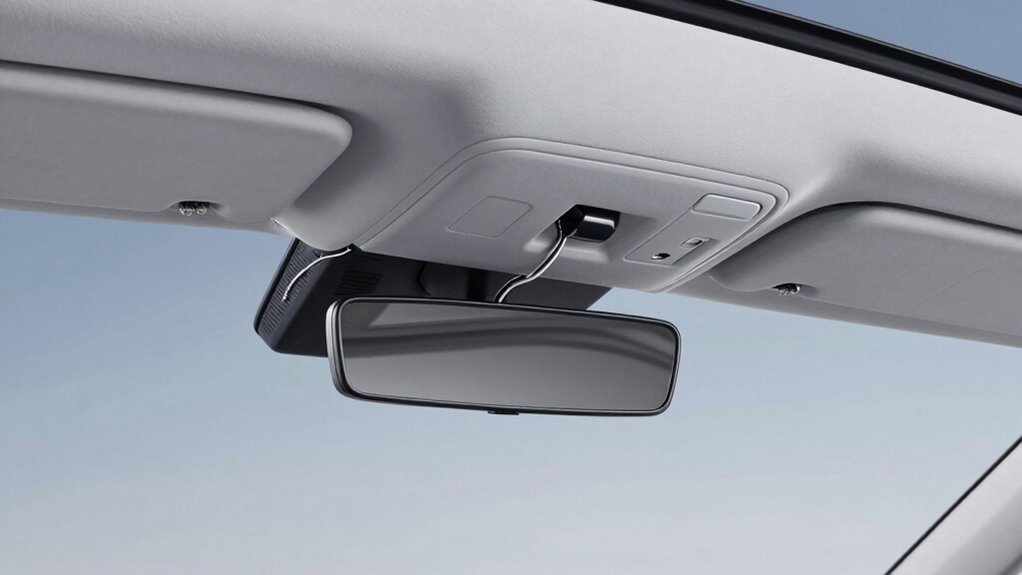
To keep your dash cam setup neat, choosing the right power source is essential. Concealed wiring techniques help hide cables and maintain a clean look inside your vehicle. By focusing on these methods, you can achieve a discreet, professional installation that doesn’t clutter your dashboard. Incorporating soundproofing principles can also help minimize any potential noise or vibrations affecting your device or vehicle interior. Additionally, selecting appropriate wiring methods can prevent battery drain, ensuring your vehicle’s power remains reliable. Understanding nail biology and proper wiring practices can further enhance the longevity and performance of your installation, especially when considering proper wiring techniques that protect your vehicle’s electrical system. Employing these methods not only improves aesthetics but also contributes to the overall vehicle safety.
Power Source Selection
Choosing the right power source is crucial for a clean, discreet dash cam installation. Your goal is to find a source that supports sensor placement and parking mode without draining your battery. Many installers recommend tapping into the vehicle’s fuse box or using a hardwire kit connected to a constant power line. This ensures your dash cam can operate in parking mode, recording even when the engine is off. Make sure the wiring stays hidden and secure, avoiding loose or exposed cables that could be visible or interfere with vehicle functions. Using a power source with a built-in fuse tap or a relay can protect your vehicle’s electrical system. Proper power source selection ensures reliable recording and a sleek, professional look.
Concealed Wiring Techniques
Concealed wiring is essential for a clean and professional dash cam installation, ensuring cables don’t detract from your vehicle’s interior or cause distractions. To achieve this, consider routing wires along existing panels, under carpets, or through door sills. Wireless alternatives can eliminate wiring clutter altogether, boosting dashboard aesthetics. Use tools like trim removal tools to hide cables behind panels smoothly. Here’s a quick guide:
| Step | Method | Benefits |
|---|---|---|
| Route behind panels | Remove trim, hide cables | Keeps wiring out of sight |
| Use adhesive clips | Secure wires along edges | Prevents sagging |
| Run through door sills | Use existing gaps | Discreet and effective |
| Opt for wireless | Use wireless dash cam models | No wiring needed |
| Conceal behind headliner | Tuck cables above headliner | Maintains dashboard aesthetics |
How to Connect Your Dash Cam Safely Without Draining Your Battery
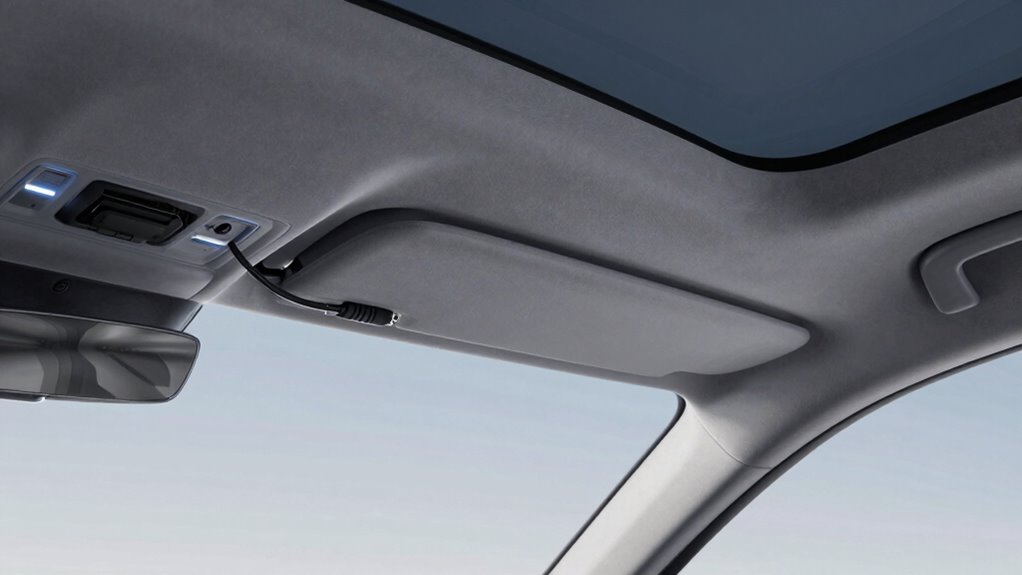
Connecting your dash cam without draining your car’s battery requires careful planning. First, select the appropriate wire gauge; thicker wires reduce resistance and prevent voltage drops that could strain your battery. Use a fuse protection system to safeguard against electrical surges or shorts, which can damage your vehicle’s electrical components. When wiring, connect the dash cam’s power supply to a switched fuse or accessory outlet that only powers on when the ignition is on. This ensures the camera doesn’t draw power when the vehicle is off. Always verify your fuse rating matches the dash cam’s power requirements to avoid overloading. Proper wire gauge and fuse protection are essential to maintaining your battery’s health while ensuring your dash cam operates reliably and safely.
Tips for Routing and Securing Your Dash Cam Wires Neatly
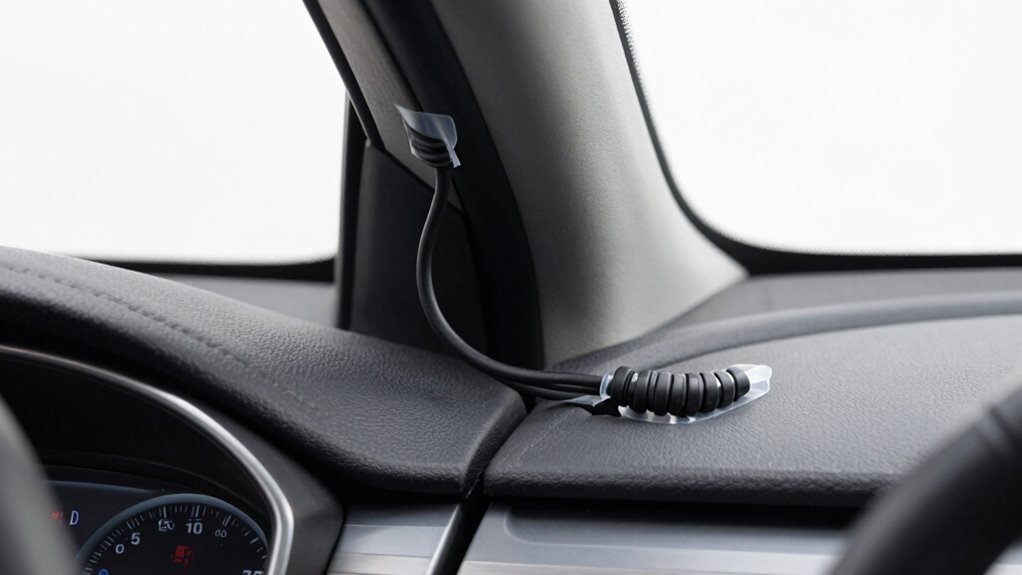
To keep your dash cam wiring neat and secure, start by planning a clear route that minimizes visibility and interference with your vehicle’s interior. Use a wire loom to encase and protect the cables, preventing tangles and damage. Run the wires along existing panels and seams, avoiding moving parts and sharp edges. Secure the wires with cable clips at regular intervals to keep everything tight and organized. Attach clips discreetly to the vehicle’s frame or trim, ensuring they don’t interfere with doors or controls. Keep excess wiring tucked away and out of sight to maintain a clean look. Proper routing and secure fastening not only improve the appearance but also reduce the risk of accidental disconnection or damage during driving.
Troubleshooting Common Wiring Problems and Ensuring Reliability
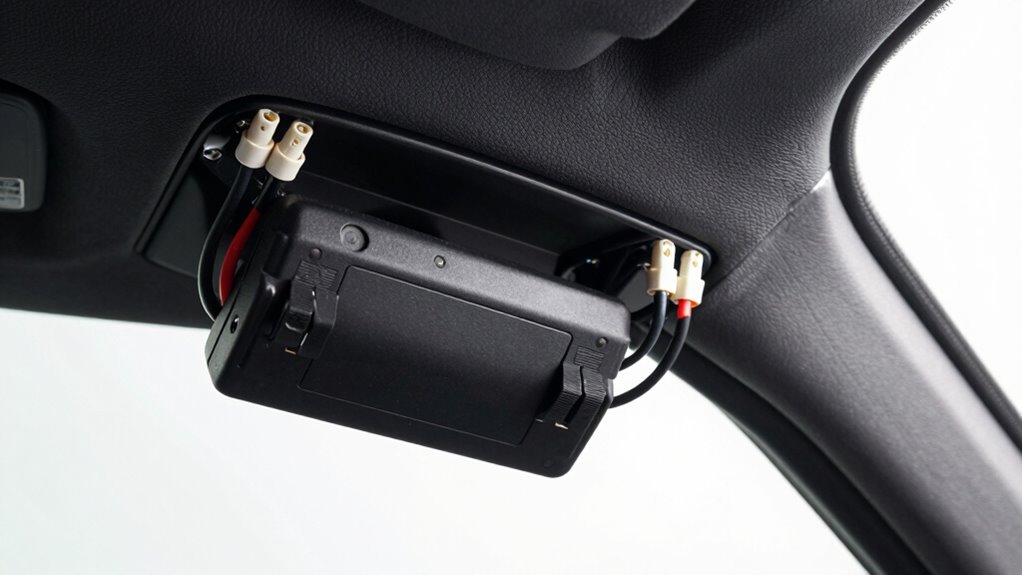
Even with careful installation, wiring issues can still arise if you don’t regularly check your dash cam’s connections. Loose or corroded wire connections can cause power interruptions or false alerts. If your dash cam isn’t turning on or losing power unexpectedly, inspect the wire connection points for damage or looseness. Using a fuse tap is a reliable way to guarantee a stable power source without draining your battery. Make sure the fuse tap is properly installed and seated firmly in the fuse box. Check for any exposed wires or broken insulation that could cause shorts. Regularly testing your dash cam’s power and reviewing the wiring setup helps catch problems early, ensuring consistent operation and avoiding future reliability issues.
Final Tips for Maintaining Your Dash Cam’s Power and Performance
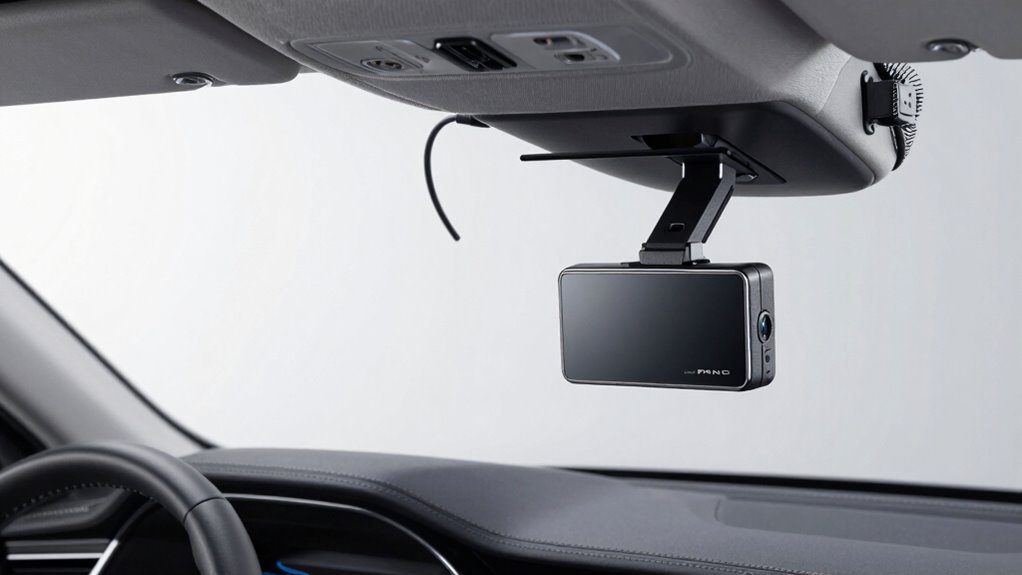
Maintaining your dash cam’s power and performance requires regular attention to its wiring and settings. To guarantee longevity, check connections periodically and keep firmware updated. Consider exploring wireless alternatives, which eliminate the need for complex wiring and reduce clutter. Using quality dash cam accessories, like extension cables or power filters, can enhance reliability. Also, keep the SD card clean and format it regularly for smooth operation.
| Tip | Benefit | Example |
|---|---|---|
| Check wiring | Prevent power issues | Inspect fuse taps |
| Update firmware | Improve performance | Download latest software |
| Use wireless options | Minimize wiring hassle | Wireless dash cams |
| Install dash cam accessories | Boost durability | Weatherproof mounts |
| Regular maintenance | Maximize lifespan | Clean camera lens |
Frequently Asked Questions
Can I Install a Dash Cam Without Professional Help?
Yes, you can do a DIY installation of your dash cam, especially if you’re comfortable with basic wiring and tools. Many models come with clear instructions and wiring kits designed for easy setup. However, if you’re unsure about handling electrical connections or want a flawless, clean install, seeking professional assistance is a smart choice. It guarantees safety, proper power management, and ideal performance without risking damage or battery drain.
What Tools Are Necessary for a Clean Wiring Setup?
Did you know that a tidy wiring setup can extend your dash cam’s lifespan by up to 20%? To achieve this, you’ll need wire connectors and fuse taps. Wire connectors help secure your cables neatly, while fuse taps allow you to connect power without draining your battery. Having these tools on hand makes your install cleaner, safer, and more professional-looking, all without needing professional help.
How Often Should I Check My Dash Cam Wiring?
You should check your dash cam wiring every three to six months to prevent battery drain issues. Regular wiring inspection helps identify loose connections or wear that could cause power drain, ensuring your device stays operational without risking your car’s battery. If you notice any flickering or inconsistent footage, it’s time for a thorough wiring check. Staying proactive keeps your dash cam functioning smoothly and your battery healthy.
Is It Possible to Upgrade My Dash Cam Wiring Later?
Yes, you can upgrade your dash cam wiring later. If you want a cleaner setup, consider wireless alternatives or battery-powered options, which eliminate the need for complex wiring. These upgrades are usually straightforward and can be done anytime, giving you flexibility to improve your system without rewiring. Just verify your new setup is compatible with your dash cam model and fits your vehicle’s power source.
Will Wiring Modifications Void My Vehicle’s Warranty?
Wiring modifications can sometimes be a gray area, but if you’re cautious, DIY installation with proper techniques usually won’t void your warranty. Think of it as walking a tightrope—you don’t want to cross the line. To avoid warranty concerns, follow your vehicle’s guidelines and consider consulting your dealer before making changes. Proper, neat wiring demonstrates care, reducing the chances of warranty issues down the road.
Conclusion
A clean, secure dash cam wiring setup not only keeps your vehicle’s interior tidy but also guarantees reliable operation without draining your battery. Imagine a driver who improperly wired their cam—draining power overnight, leaving them stranded. By following proper wiring techniques and choosing the right power source, you prevent such issues. Regularly check your connections and route wires neatly to maintain performance. With careful installation, your dash cam will serve you reliably, day after day.