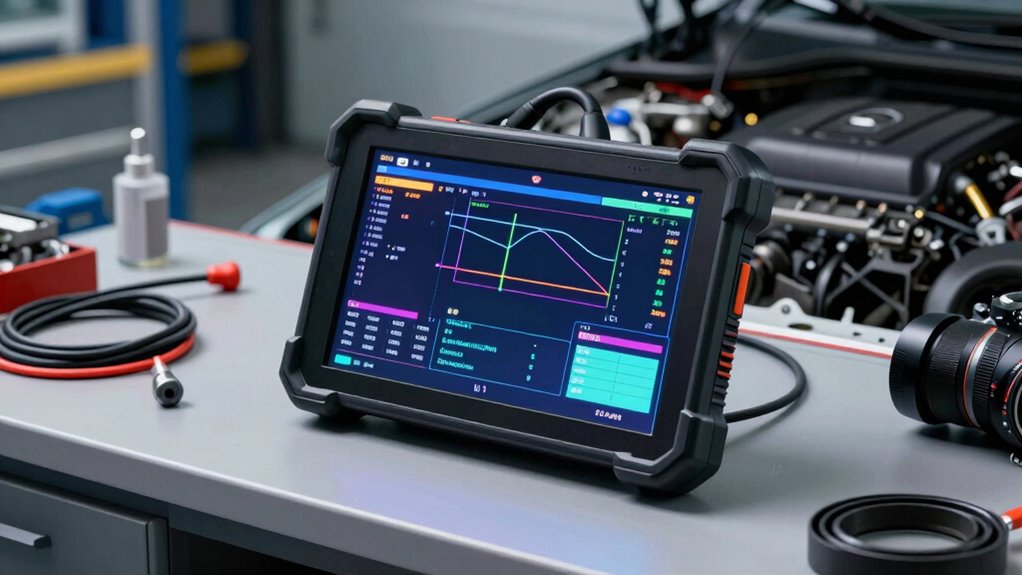
Bidirectional scan tools revolutionize troubleshooting by enabling you to communicate directly with vehicle or network modules, turning guesswork into precise tests. Instead of just observing data, you can send commands, verify module responses, and actively control systems. This active testing accelerates diagnosis, reveals vulnerabilities, and guarantees thorough analysis. To get the most from these tools and discover how they enhance security and troubleshooting, keep exploring further details on their features and applications.
Key Takeaways
- Bidirectional scan tools enable direct communication with vehicle modules, allowing targeted testing rather than guesswork.
- They facilitate active tests and real-time data retrieval to verify system functions precisely.
- These tools analyze network protocols to identify communication issues and misinterpretations.
- They support automated and comprehensive scans, transforming diagnostic processes into systematic tests.
- The feature enhances troubleshooting accuracy, reducing downtime by replacing guesses with definitive testing.

Innova 5610 OBD2 Bidirectional Scan Tool – Understand Your Vehicle, Pinpoint What's Wrong, and Complete Your Repairs with Less Headache, Updates Included, US-Based Technical Support
MAINTAIN PEAK PERFORMANCE AND SAFETY ON THE ROAD – Easily find and fix the problem with your vehicle…
As an affiliate, we earn on qualifying purchases.
As an affiliate, we earn on qualifying purchases.
What Are Bidirectional Scan Tools and How Do They Work?
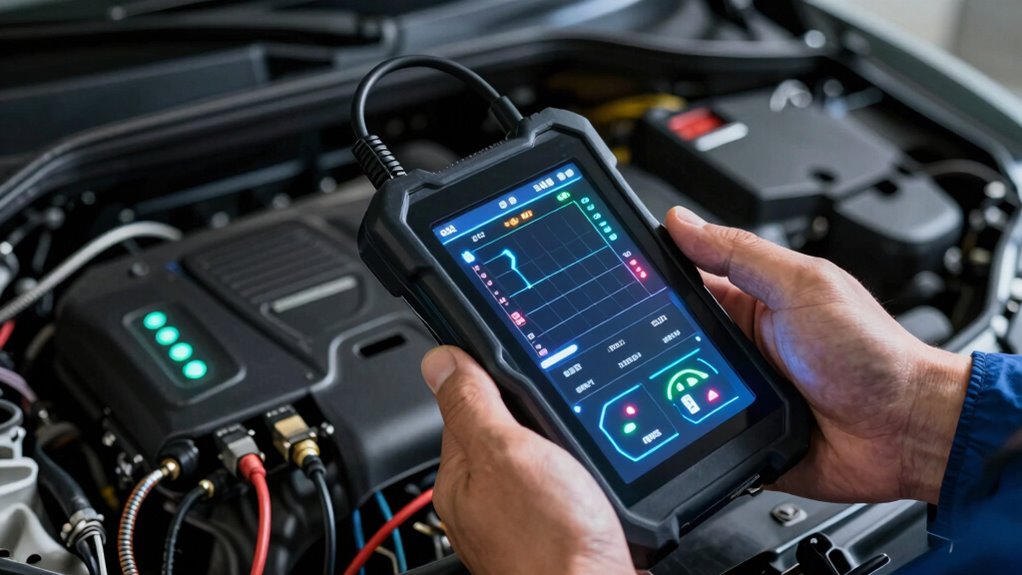
Bidirectional scan tools are advanced diagnostic devices that allow you to communicate directly with a vehicle’s electronic systems. They work by utilizing specific network protocols to establish a connection between your device and the vehicle’s onboard computers. This communication enables you to send commands and retrieve real-time data, making diagnostics more precise. Device compatibility is essential, as not all scan tools support the same protocols or vehicle makes and models. Some tools are designed to work with multiple protocols, ensuring broader compatibility. By leveraging these protocols, bidirectional scan tools allow you to perform active tests, control modules, and verify system functions, transforming your diagnostic process from guesswork into targeted testing. This capability considerably improves troubleshooting efficiency and accuracy. Additionally, understanding the underlying digital concepts behind these tools can help you optimize their use and interpret data more effectively.

VDIAGTOOL VD10 OBD2 Scanner Code Reader Car Diagnostic Tool Engine Fault Code Reader for Turn Off CEL with Freeze Frame/I/M Readiness for All OBDII Protocol Cars, OBD2 Scanner Diagnostic Tool
【A MUST-HAVE TOOL FOR DIYERS】 – VDIAGTOOL VD10 car code reader is an incredibly useful obd scanner for…
As an affiliate, we earn on qualifying purchases.
As an affiliate, we earn on qualifying purchases.
Practical Ways to Use Bidirectional Scans in Network Troubleshooting
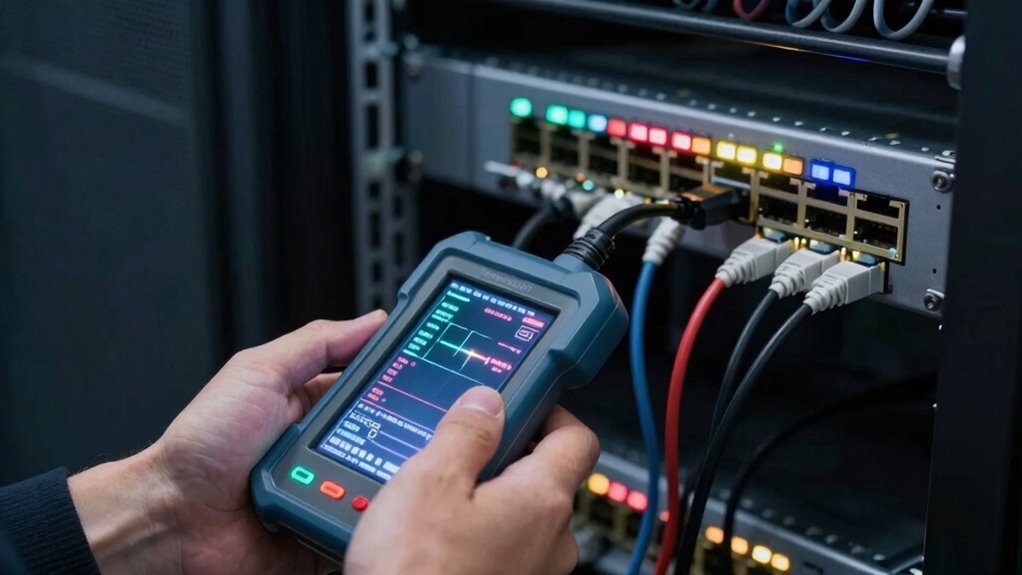
When troubleshooting network issues in a vehicle, bidirectional scan tools become invaluable by allowing you to actively test and control electronic modules directly. You can use these tools to send commands that verify device discovery, ensuring the modules respond correctly. By examining the network protocol communication, you identify where signals may be blocked or misinterpreted. This hands-on approach helps confirm whether a device is present and functioning properly or if a fault exists. Instead of guessing, you can directly interrogate modules, check their status, and execute tests. This practical method streamlines troubleshooting, reduces downtime, and provides precise insights into the network’s health. Understanding network protocol communication is essential for effective diagnostics. Additionally, the ability to perform active testing allows technicians to simulate real-world scenarios, further improving diagnostic accuracy. Incorporating diagnostic routines into your workflow enhances troubleshooting efficiency and helps pinpoint issues more rapidly. Being familiar with module control commands enables more effective interventions during live tests. Ultimately, bidirectional scans turn complex diagnostics into targeted, efficient testing sessions.

TOPDON Bidirectional Scan Tool, 2026 New ArtiDiag900 Lite Automotive Diagnostic Tool for Full System, Scanner for Car with Active Test, 8 Reset, Wireless OBD2 Scanner Diagnostic Tool for All Vehicles
[2026 Top-Tier Hardware and Software Upgrade]: Topdon ArtiDiag900 Lite scanner has enhanced hardware and latest features, including Android…
As an affiliate, we earn on qualifying purchases.
As an affiliate, we earn on qualifying purchases.
Key Features to Look for in a Bidirectional Network Scanner
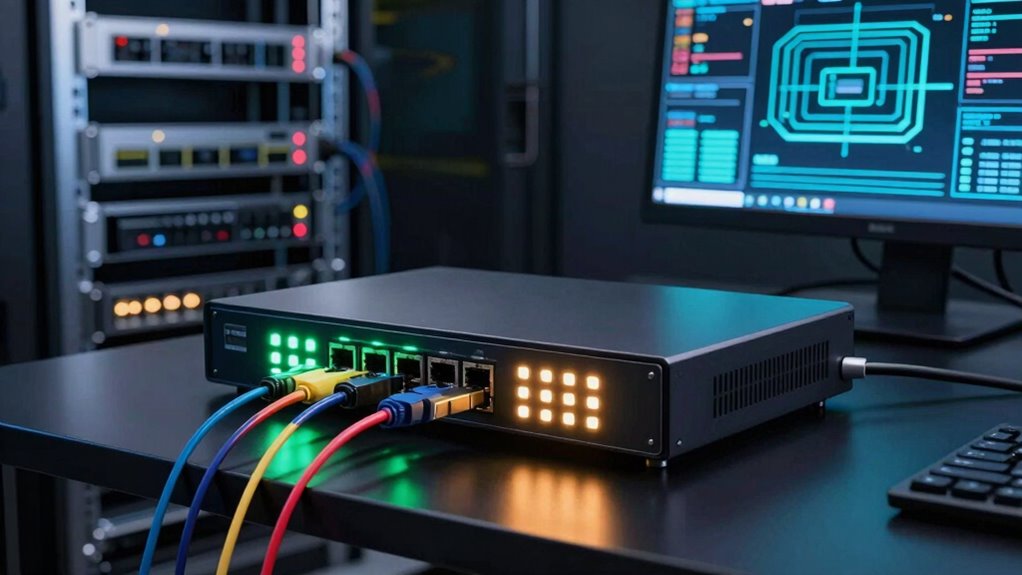
A network scanner with the right features makes troubleshooting more efficient and accurate. Look for tools that excel in protocol analysis, enabling you to interpret data flows and identify issues quickly. Robust device discovery is essential, helping you map all connected devices and their statuses in real-time. These features allow you to see how devices communicate and spot irregularities that could indicate problems. A bidirectional scanner that supports protocol analysis and device discovery simplifies complex networks, giving you an extensive view. This ensures you’re not just guessing but testing each component methodically. When choosing a scanner, prioritize those with advanced protocol analysis capabilities and automatic device discovery to streamline your troubleshooting process and improve network reliability.

ANCEL AD310 Classic Enhanced Universal OBD II Scanner Car Engine Fault Code Reader CAN Diagnostic Scan Tool, Read and Clear Error Codes for 1996 or Newer OBD2 Protocol Vehicle (Black)
CEL Doctor: The ANCEL AD310 is one of the best-selling OBD II scanners on the market and is…
As an affiliate, we earn on qualifying purchases.
As an affiliate, we earn on qualifying purchases.
Benefits of Bidirectional Scanning for Security and Threat Detection
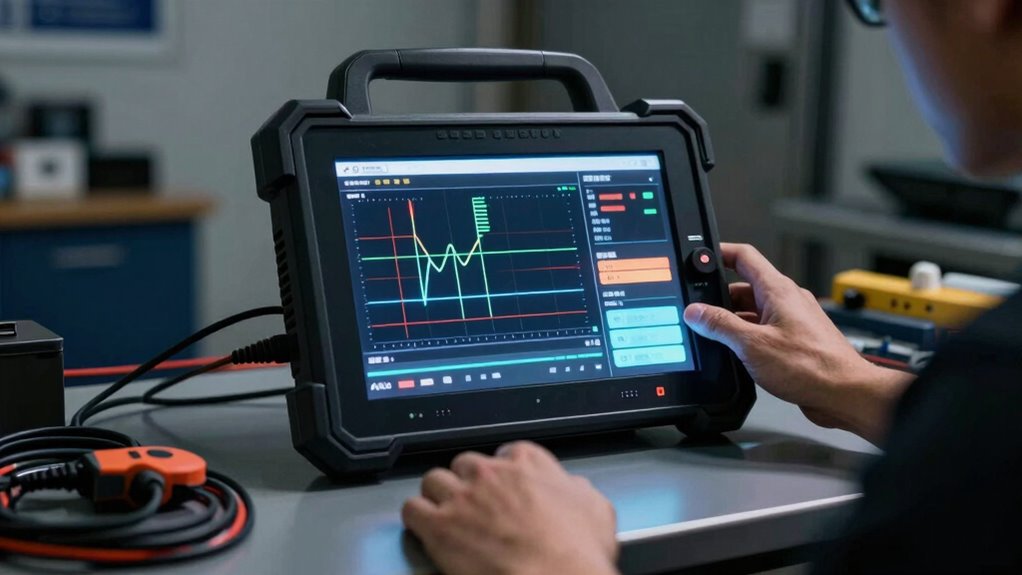
By analyzing network traffic in both directions, bidirectional scanning enhances your ability to detect security threats more effectively. This approach provides a thorough view of network activity, helping you identify vulnerabilities and suspicious behaviors that might go unnoticed with unidirectional scans. It improves threat detection accuracy by verifying whether threats are active or just false positives. Additionally, bidirectional scanning minimizes disruptions to network performance, ensuring that security checks don’t compromise speed or stability. Device compatibility is also strengthened, as the scan works seamlessly across various hardware and software configurations. Moreover, network monitoring capabilities are expanded, allowing for more comprehensive oversight of ongoing security events. This method also supports real-time analysis, which is crucial for timely threat mitigation. Incorporating threat intelligence further enhances the ability to identify emerging threats proactively. Compatibility across devices is essential for maintaining consistent security measures in diverse network environments. Overall, this method boosts your security posture by offering deeper insights and more reliable threat identification, making it an essential tool for proactive network defense.
How to Implement Bidirectional Scans Step by Step
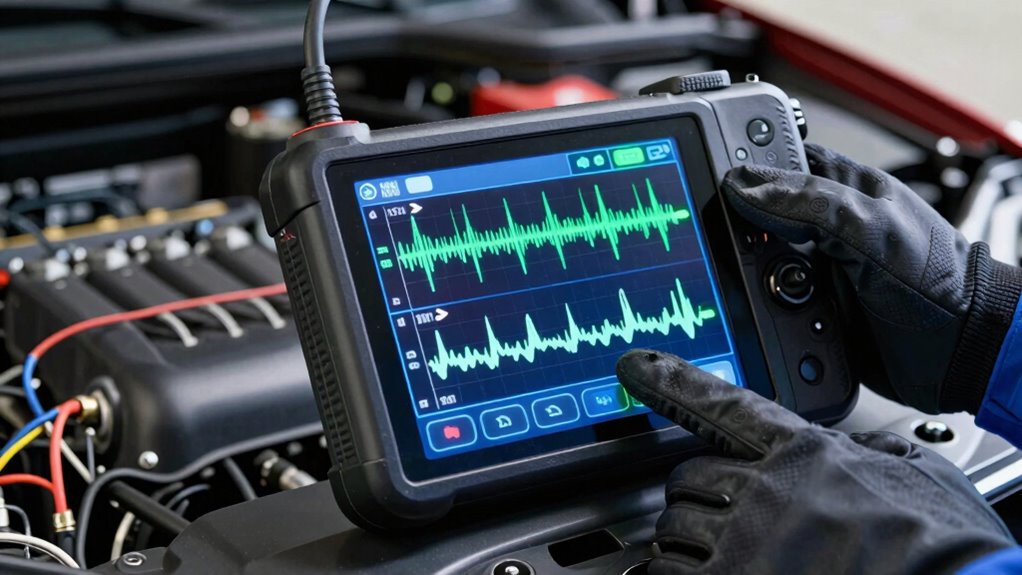
To implement bidirectional scans effectively, start by preparing your scanner setup, ensuring all configurations are correct. Next, initiate the scan process and let the tool perform its checks in both directions. Additionally, incorporate comprehensive audit trails into your testing process to facilitate detailed review and accountability. You should also verify that your system configurations are optimized for thorough testing, reducing the risk of overlooked vulnerabilities. Incorporating store hours and return policies knowledge can help ensure testing aligns with operational schedules and policies, minimizing disruptions. Moreover, understanding regional flavors and pairings can assist in tailoring tests to different environments and customer expectations, enhancing overall effectiveness. Finally, analyze and interpret the results to identify potential vulnerabilities or threats. Incorporate requirements traceability into your testing process to ensure comprehensive coverage of security controls and compliance standards.
Prepare the Scanner Setup
Before you start performing bidirectional scans, verify your scanner is properly set up and connected to the vehicle. Ensuring correct hardware requirements is essential for accurate testing. Confirm the connection is stable, and the scanner is powered on. Next, check the protocol analysis to guarantee your scanner communicates effectively with the vehicle’s ECU. To streamline setup, review this table:
| Hardware Requirements | Protocol Analysis |
|---|---|
| Compatible OBD-II scanner | Confirm communication protocols (ISO, CAN, etc.) |
| Reliable vehicle connection | Verify scanner supports vehicle make/model |
| Adequate power supply | Ensure data transfer integrity |
Additionally, familiarizing yourself with Free Floating communication protocols can help prevent misdiagnoses and improve troubleshooting efficiency. Proper setup minimizes errors and guarantees smooth bidirectional testing, transforming guessing into precise diagnostics. Being aware of diagnostic trouble codes and their interpretation can further enhance your diagnostic accuracy during these procedures. Moreover, reviewing connection stability helps to maintain consistent data flow during testing and ensures reliable results.
Initiate the Scan Process
Starting the bidirectional scan is straightforward once your scanner is properly set up. To initiate the process, follow these steps:
- Select the target network protocols to focus your scan.
- Enable scan automation for consistent and efficient testing.
- Confirm the scanner’s communication with the network before starting.
- Click the “Start” or “Initiate” button to launch the scan.
- Monitor the progress to ensure data flows correctly in both directions.
- Remember that understanding child development principles can help you interpret scan results more effectively.
This approach allows you to begin testing without guesswork, leveraging bidirectional capabilities to verify vulnerabilities accurately. By targeting specific network protocols, you optimize the scan’s effectiveness. Using scan automation streamlines the process, reducing manual effort and increasing reliability. Once initiated, you can observe real-time results, turning testing into actionable insights.
Analyze and Interpret Results
Once the bidirectional scan completes, analyzing and interpreting the results becomes essential for identifying vulnerabilities and understanding system behavior. You should focus on protocol analysis to uncover communication flaws and verify device configurations. Look for inconsistencies or unexpected responses that might signal security issues or misconfigurations. Use the following table to guide your interpretation:
| Aspect | What to Look For |
|---|---|
| Protocol Analysis | Unexpected protocol responses or anomalies |
| Device Configuration | Misconfigured settings that could compromise security |
| Vulnerability Indicators | Open ports, weak encryption, or outdated firmware |
| Response Timings | Delays indicating potential bottlenecks or security risks |
| System Behavior | Unexpected behaviors during testing |
This approach helps you turn raw data into actionable insights, making your security testing precise and effective. Understanding these aspects further enhances your ability to detect and remediate system vulnerabilities efficiently. Additionally, applying comprehensive analysis techniques can improve the accuracy of your vulnerability assessments. For example, reviewing response timings can help identify potential security risks caused by network delays or bottlenecks.
Common Challenges When Using Bidirectional Scanning and How to Overcome Them
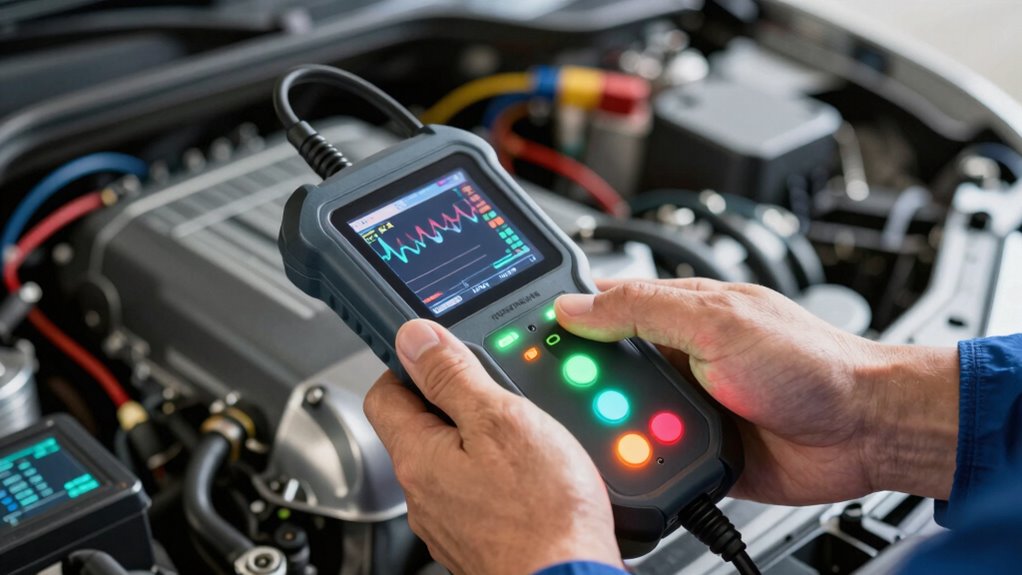
Using bidirectional scan tools can present several common challenges that technicians often encounter. One major issue is network latency, which can slow down data transfer and affect scan accuracy. The user interface may also be confusing or cluttered, making it difficult to navigate and interpret results efficiently. Additionally, inconsistent device responses can lead to incomplete or misleading data. You might also face difficulty in managing large volumes of information, causing analysis delays. Lastly, limited compatibility with certain network configurations can restrict scan effectiveness. To overcome these challenges, ensure a stable network connection, familiarize yourself with the tool’s interface, keep software updated, customize settings for your environment, and consult vendor support when needed. These steps help turn bidirectional scanning from guesswork into precise testing. Being aware of early detection signs can further enhance diagnostic accuracy and outcomes.
The Future of Bidirectional Scanning in Network Security
The future of bidirectional scanning promises to substantially improve threat detection capabilities and provide more accurate, real-time network analysis. As these tools evolve, you’ll see better integration with automated systems, making security responses faster and more efficient. Embracing these advancements helps you stay ahead of emerging threats and strengthens your overall network defenses.
Enhanced Threat Detection Capabilities
As bidirectional scan tools evolve, their enhanced threat detection capabilities are set to transform network security. You’ll benefit from more accurate identification of threats by analyzing network anomalies and reducing data redundancy. These tools can detect subtle irregularities that indicate potential breaches, even before they escalate. They also streamline threat recognition through intelligent pattern recognition, minimizing false positives. Additionally, they improve efficiency by prioritizing real threats over benign data, saving your team time. The combination of real-time data analysis and advanced algorithms enhances your ability to stay ahead of evolving cyber threats. This evolution guarantees you aren’t just guessing but actively testing, making your network defenses smarter, faster, and more reliable.
Real-Time Network Analysis
Real-time network analysis is revolutionizing how bidirectional scan tools detect and respond to threats. By continuously monitoring traffic, you gain immediate insights through protocol analysis, revealing malicious patterns as they happen. This process also enhances device discovery, identifying new or hidden devices on your network instantly. As threats evolve, real-time analysis adapts quickly, reducing response time and preventing breaches. You can visualize data flow and identify vulnerabilities before exploitation occurs.
| Protocol Analysis | Device Discovery |
|---|---|
| Detects anomalies in protocols | Finds unknown devices rapidly |
| Identifies malicious traffic | Maps network topology |
Integration With Automated Systems
Integrating bidirectional scan tools with automated systems transforms network security by enabling instant, adaptive responses to threats. You can leverage network automation to streamline threat detection and response, reducing downtime. Device integration allows seamless communication between security tools and network devices, enhancing overall efficiency. This integration supports real-time adjustments, minimizing manual intervention. You’ll benefit from proactive security measures, as automated systems can quickly isolate compromised devices. Additionally, it improves accuracy by eliminating human error in threat handling. Key advantages include:
- Rapid threat containment through automated responses
- Continuous monitoring with minimal human oversight
- Enhanced device communication and coordination
- Reduced response times for critical security issues
- Simplified management of complex network environments
This future-focused approach ensures your network remains resilient and adaptive against evolving cyber threats.
Frequently Asked Questions
Can Bidirectional Scan Tools Be Integrated With Existing Network Management Systems?
Yes, you can integrate bidirectional scan tools with your existing network management systems. They’re designed to enhance system compatibility and facilitate seamless network integration. By connecting these tools, you gain real-time insights and improved control over your network’s performance. Just make certain your tools support standard protocols and are compatible with your management system to maximize their effectiveness. This integration simplifies troubleshooting and boosts overall network efficiency.
Are There Specific Industries That Benefit Most From Bidirectional Scanning?
Think of bidirectional scan tools as the compass guiding you through complex terrain. Industries like industrial automation and healthcare networks benefit most, as they demand precise, real-time testing and control. These tools help identify issues quickly, ensuring safety and efficiency. If you work in these sectors, leveraging bidirectional scanning can enhance your network reliability, turning troubleshooting into a strategic advantage rather than a guessing game.
What Are the Common Misconceptions About Bidirectional Network Testing?
You might think bidirectional network testing is only about troubleshooting, but it’s actually more extensive. Some misconceptions include believing it’s too complex or unnecessary for regular network performance checks. In reality, it helps identify security vulnerabilities and optimize network performance. This testing method allows you to actively verify configurations, detect hidden issues, and strengthen security, making your network more reliable and resilient against threats.
How Secure Are Bidirectional Scan Tools Against Potential Vulnerabilities?
Bidirectional scan tools are generally secure if you keep them updated and follow best practices. They help identify security vulnerabilities and aid in threat mitigation by providing detailed insights into your network. However, if misconfigured or outdated, they can expose your system to vulnerabilities. Always verify proper access controls, regular updates, and thorough testing to maximize security and minimize potential threats. Proper management turns these tools into robust security assets.
What Training Is Required for Effective Use of Bidirectional Scanning Technology?
You need extensive training in network troubleshooting and tool customization to use bidirectional scanning technology effectively. Focus on understanding how to interpret scan results, adjust settings for different network environments, and troubleshoot issues that arise during testing. Hands-on practice with the tool enhances your skills, enabling you to identify vulnerabilities quickly. Familiarity with network protocols and security principles further boosts your ability to maximize the tool’s potential and improve overall network security.
Conclusion
So, next time you rely on guesswork for network issues, remember that bidirectional scan tools turn guessing into testing — a real game-changer. Ironically, what once felt like a shot in the dark now offers precision and security. Embrace these tools, and you’ll wonder how you ever managed without them. After all, isn’t it better to test than to guess? Your network’s health depends on it.